Complete operations for modern documentation teams
DocNova combines source-aware setup, structured authoring, AI-assisted writing, publishing, SEO, analytics, and operational controls in one documentation workflow.
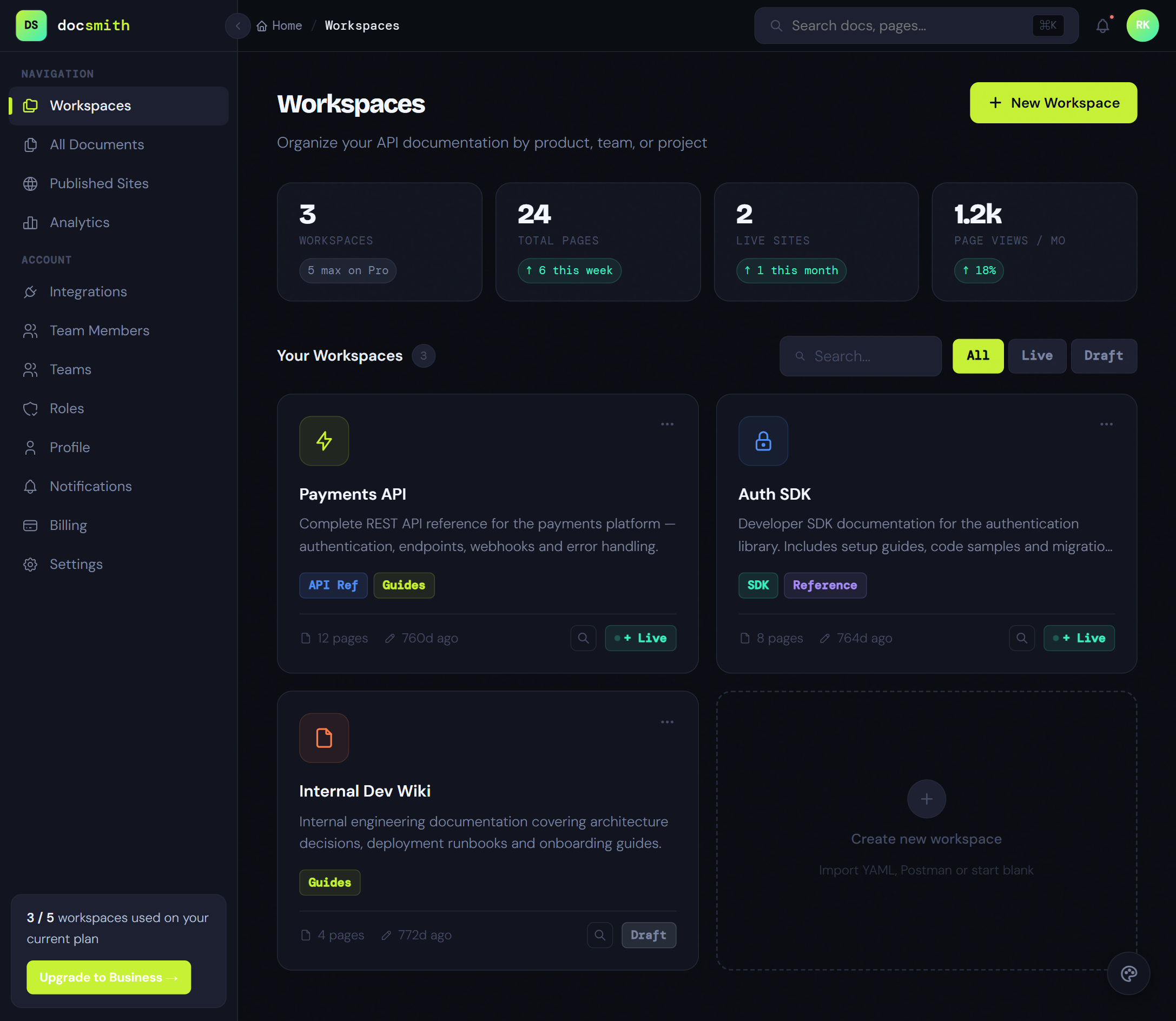
Intelligence layers that keep docs production moving.
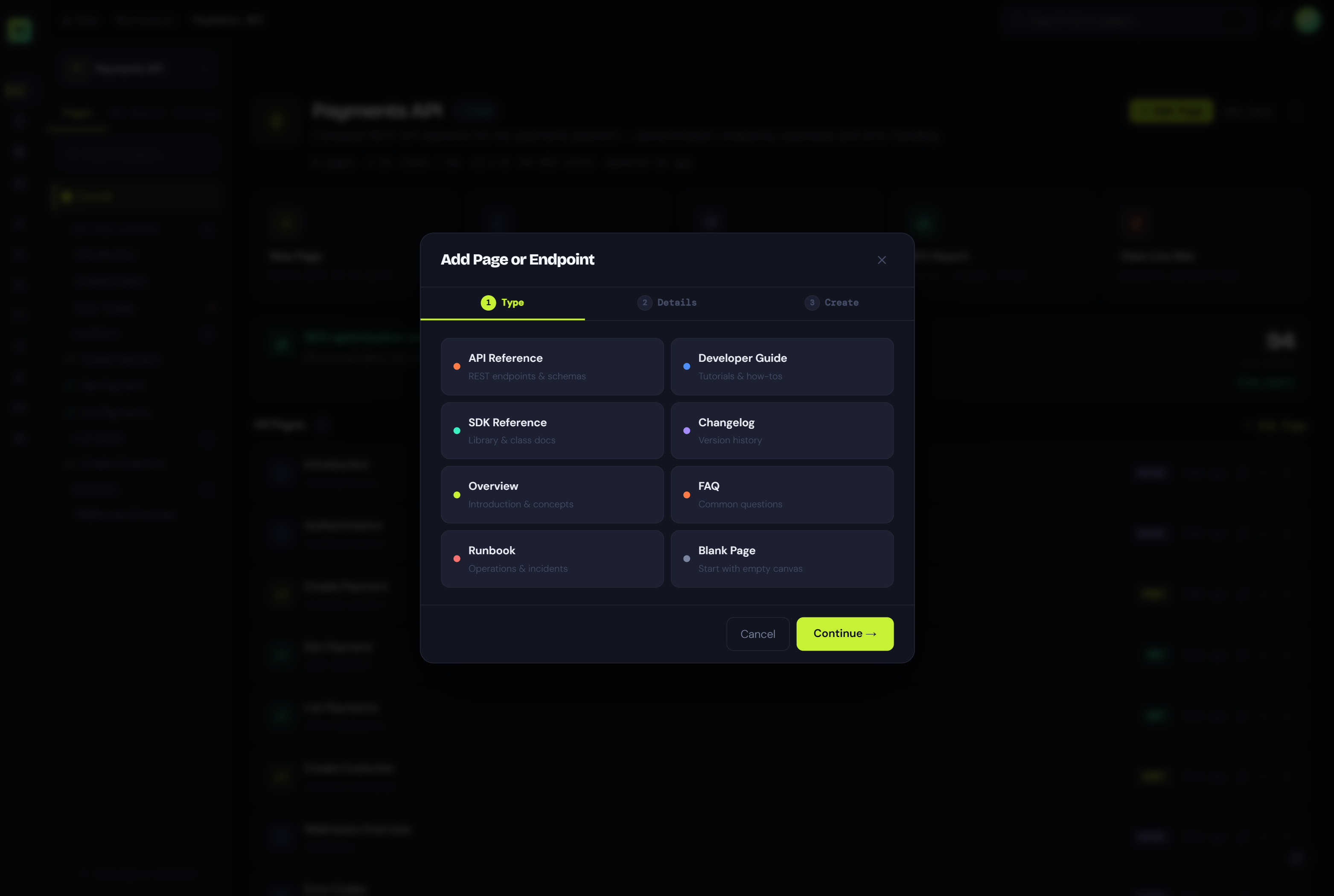
DocNova coordinates drafting, explanation, discoverability, localization, editing, and onboarding inside one documentation workflow. Expand a layer to see how the product supports it.
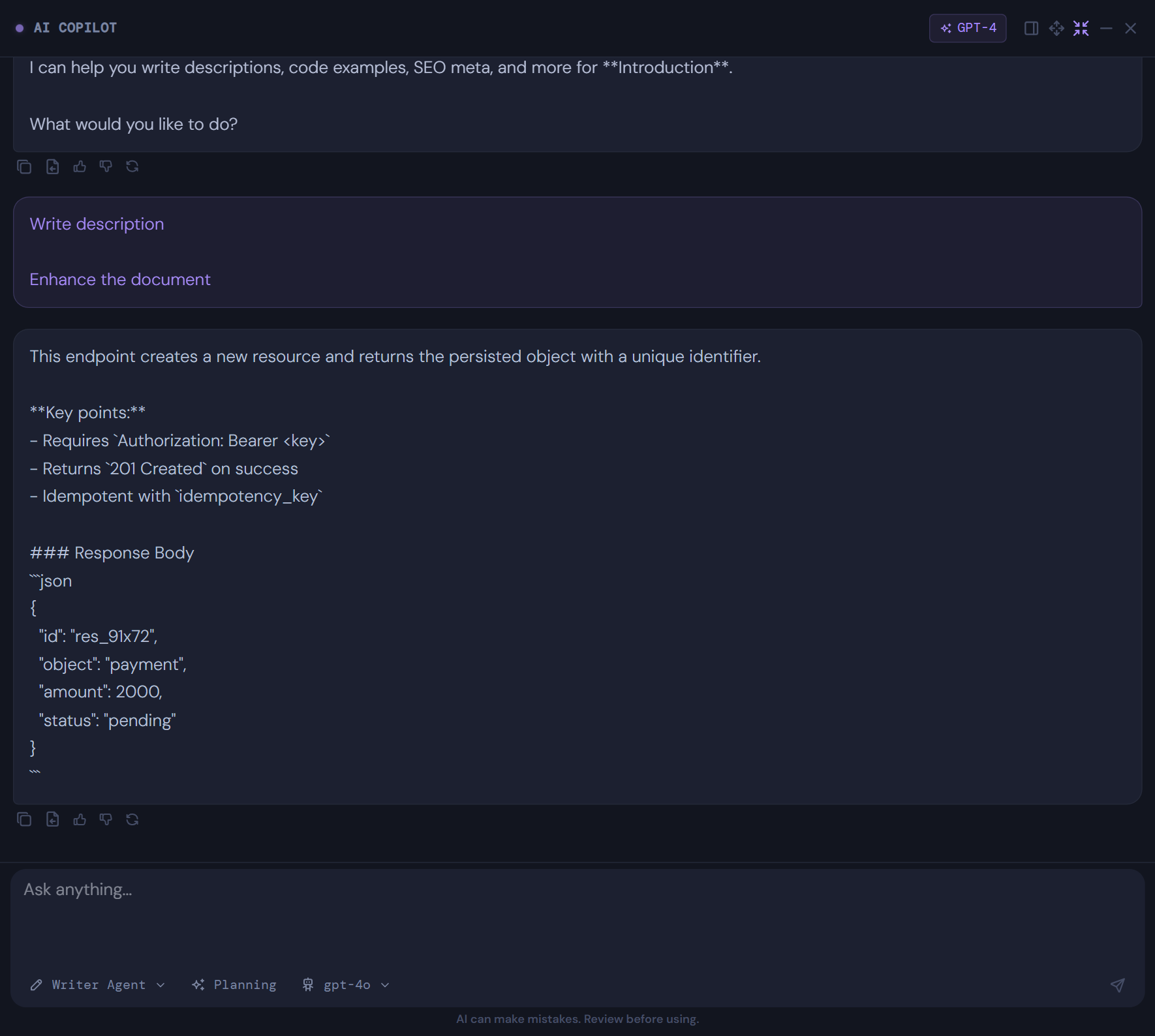
Writing Agent: drafts structured API and product documentation from source material, with reviewer-friendly controls and source-aware guidance.
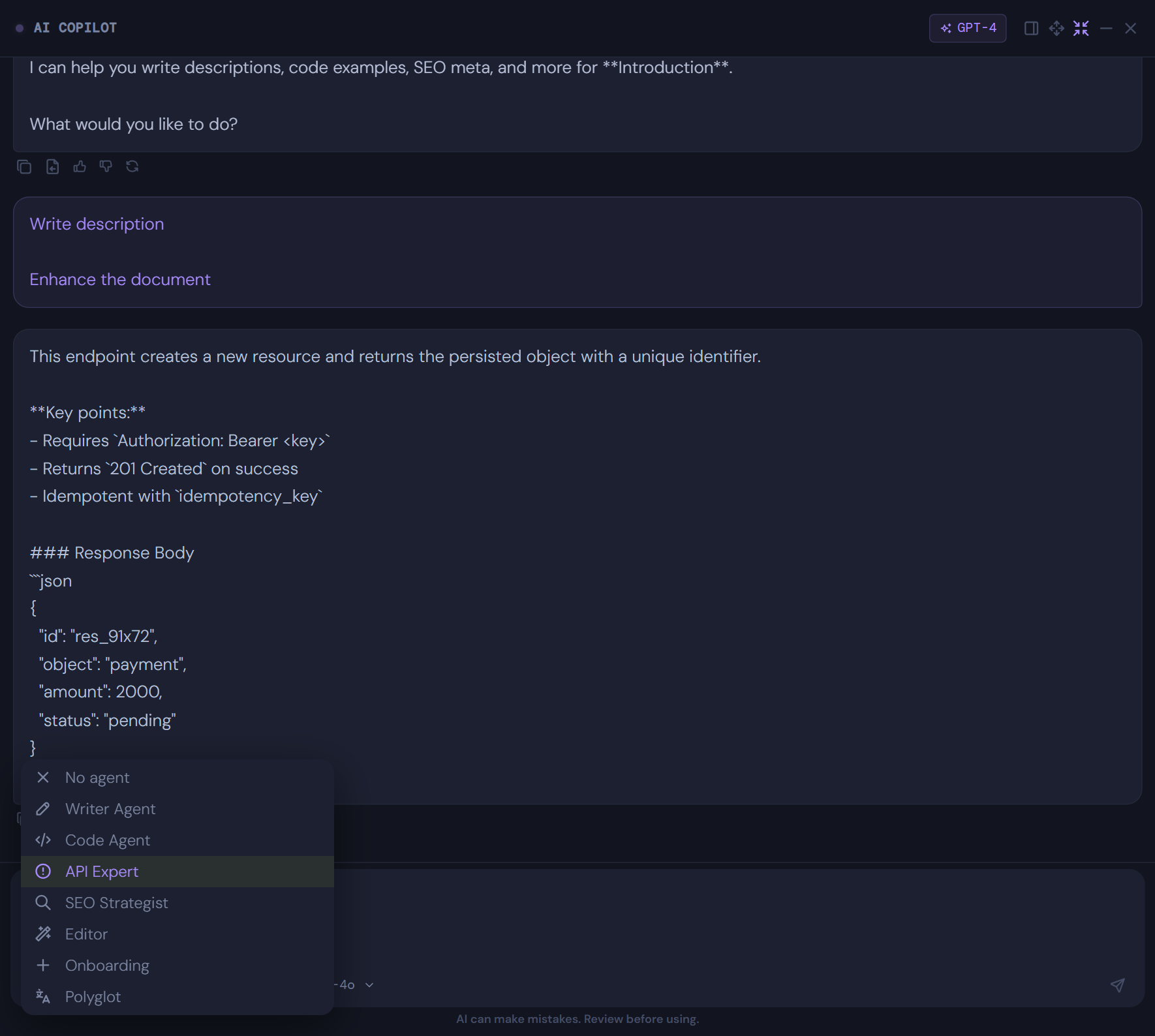
Explainer Agent: expands terse technical notes into fuller explanations, step-by-step guidance, and runnable examples.
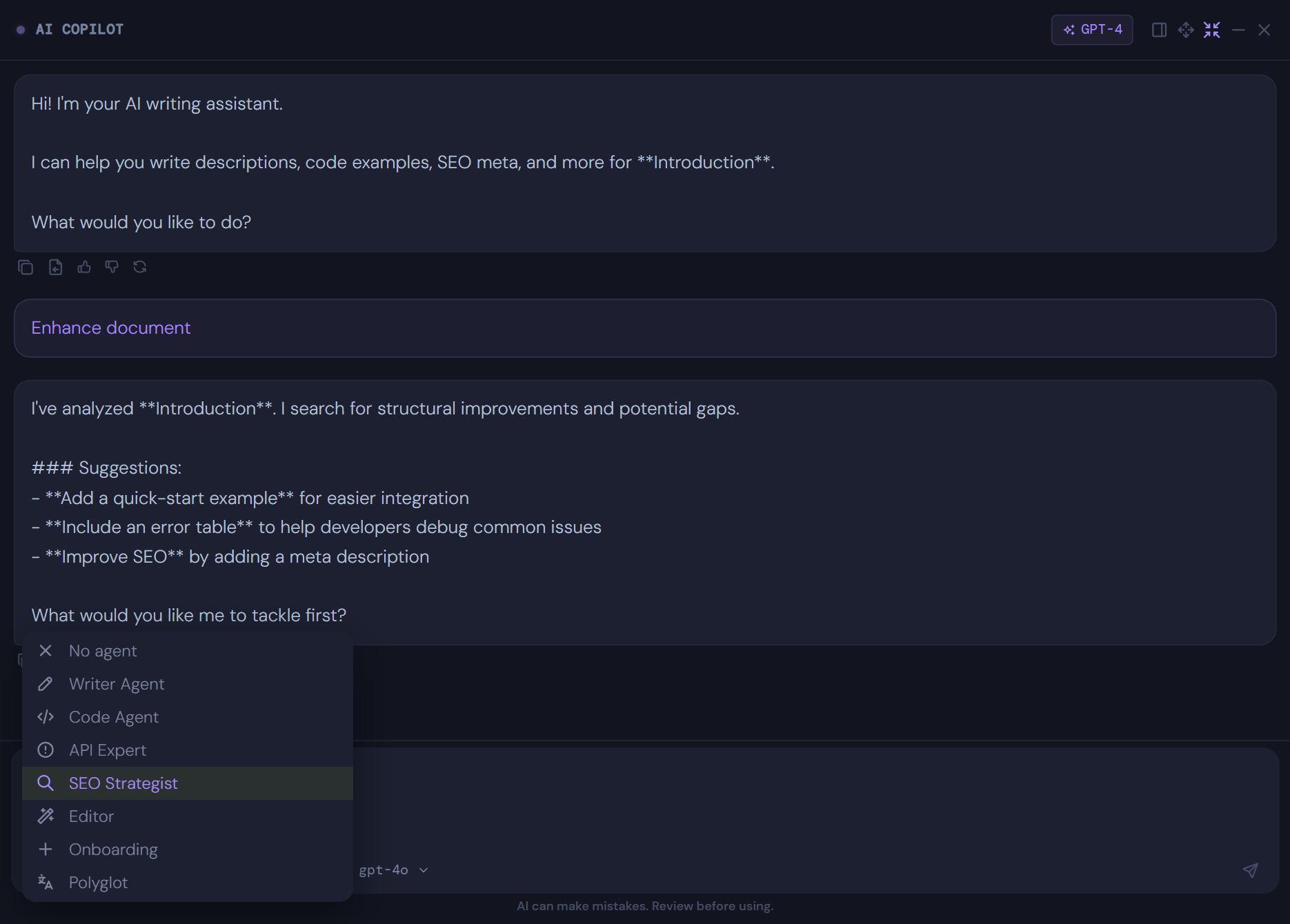
SEO Agent: reviews metadata, heading structure, and discoverability signals to improve documentation visibility before publish.
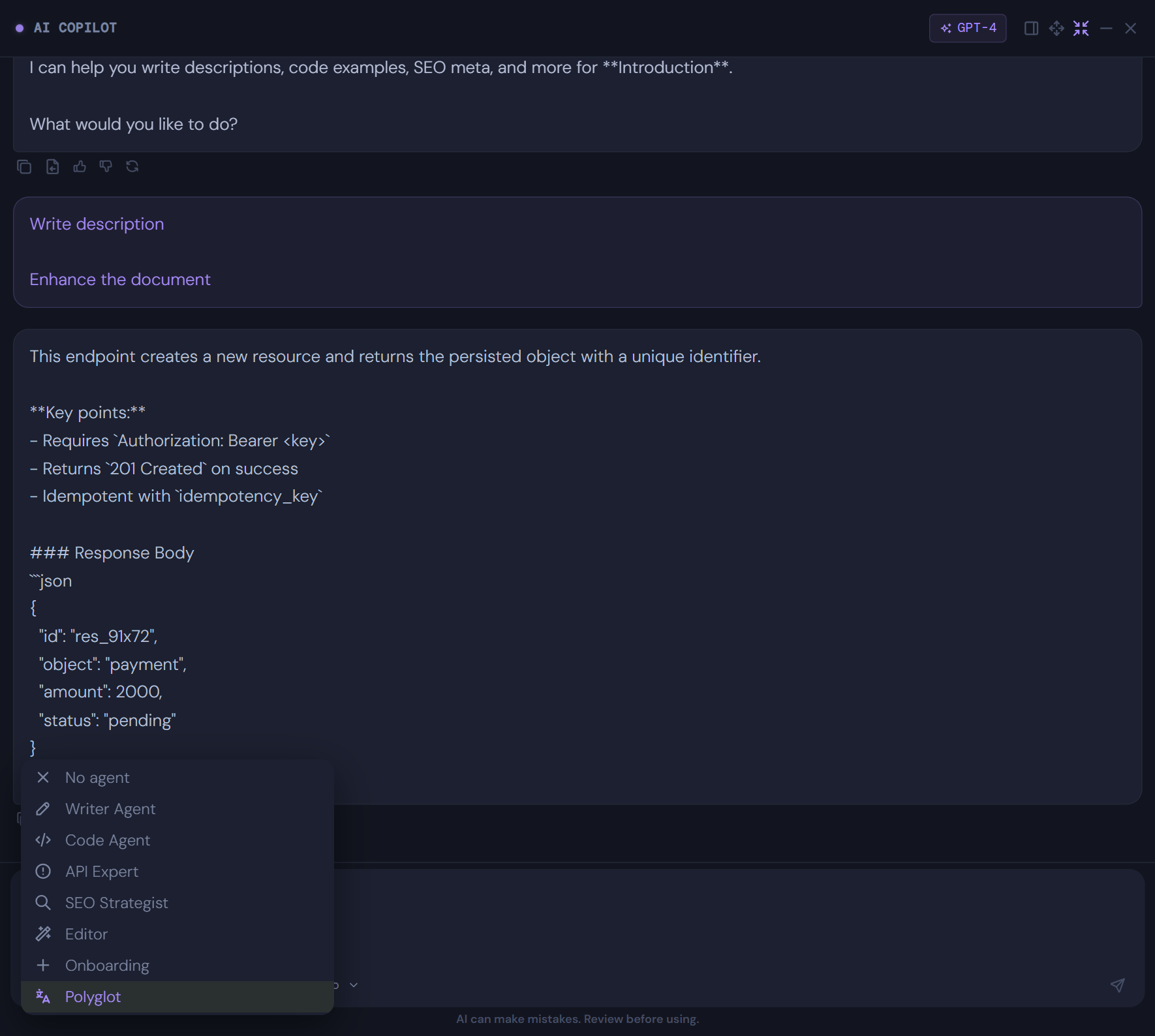
Translator: supports multilingual documentation by creating localized page variants while preserving technical clarity and structure.
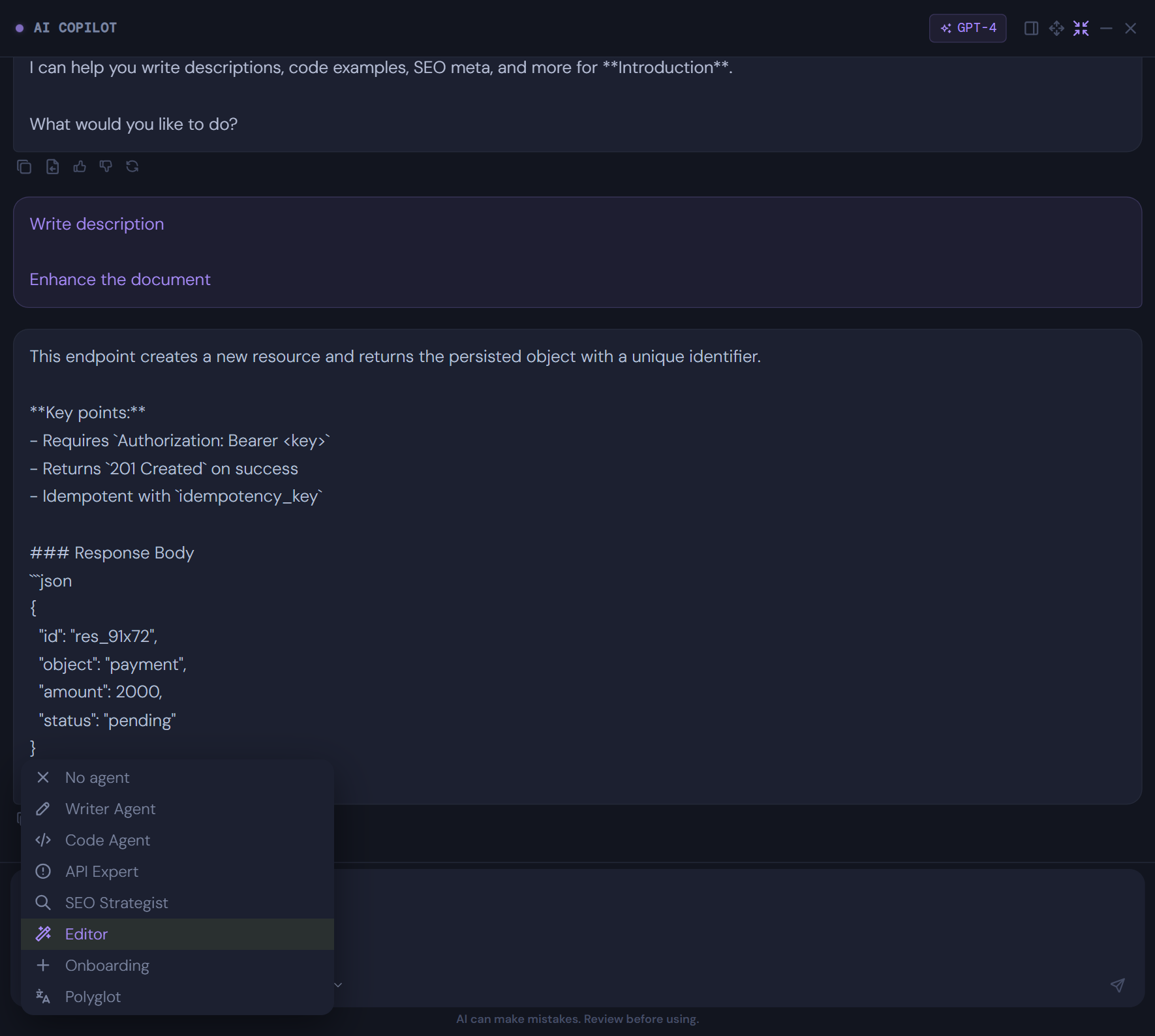
Editor: improves grammar, tone, consistency, and readability so technical pages are cleaner before they move into live publishing.
Onboarding Assistant: reshapes technical content into guided getting-started flows that help developers from zero to their first working call.
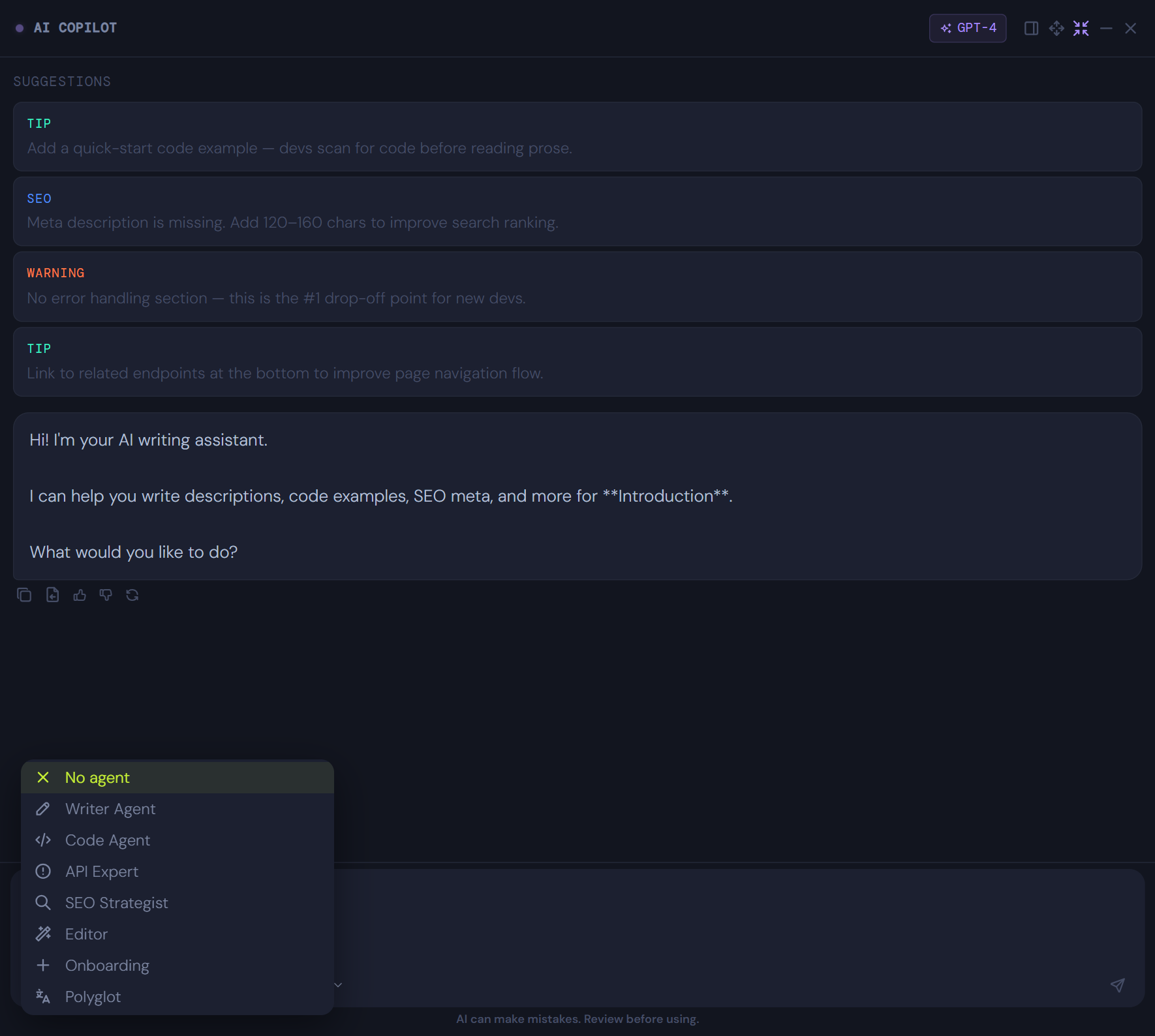
Content Helper: flags stale sections, suggests refresh work, and supports ongoing documentation maintenance across larger content estates.
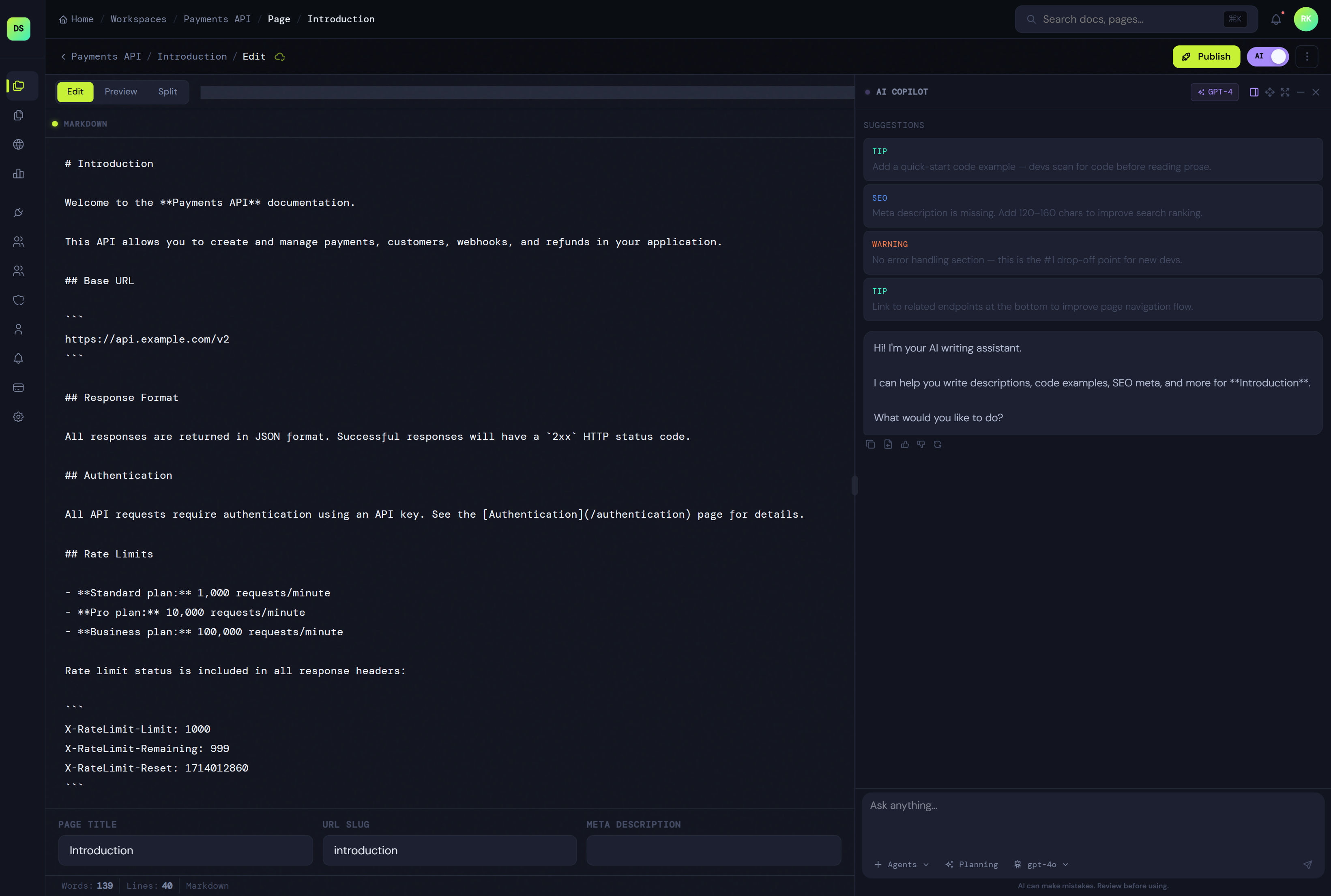
One workflow for import, authoring, publishing, and maintenance.
Start from OpenAPI, Markdown, URLs, Git-based workflows, or blank pages. Then organize docs in workspaces, edit with AI support, and publish a better developer experience.
- Import OpenAPI, Markdown, URLs, and manual pages.
- Use workspace-based structure for pages, settings, ownership, and environments.
- Publish branded developer portals and internal docs from the same system.
- Keep docs easier to maintain with draft and live publishing states.
Make documentation easier to find, easier to read, and easier to improve.
DocNova gives teams more than page publishing. It brings SEO reporting, metadata checks, analytics, and page-level insights into the same documentation workflow.
- Review metadata quality and page discoverability from the workspace.
- Track content health and usage patterns after publish.
- Improve both search visibility and reader experience over time.
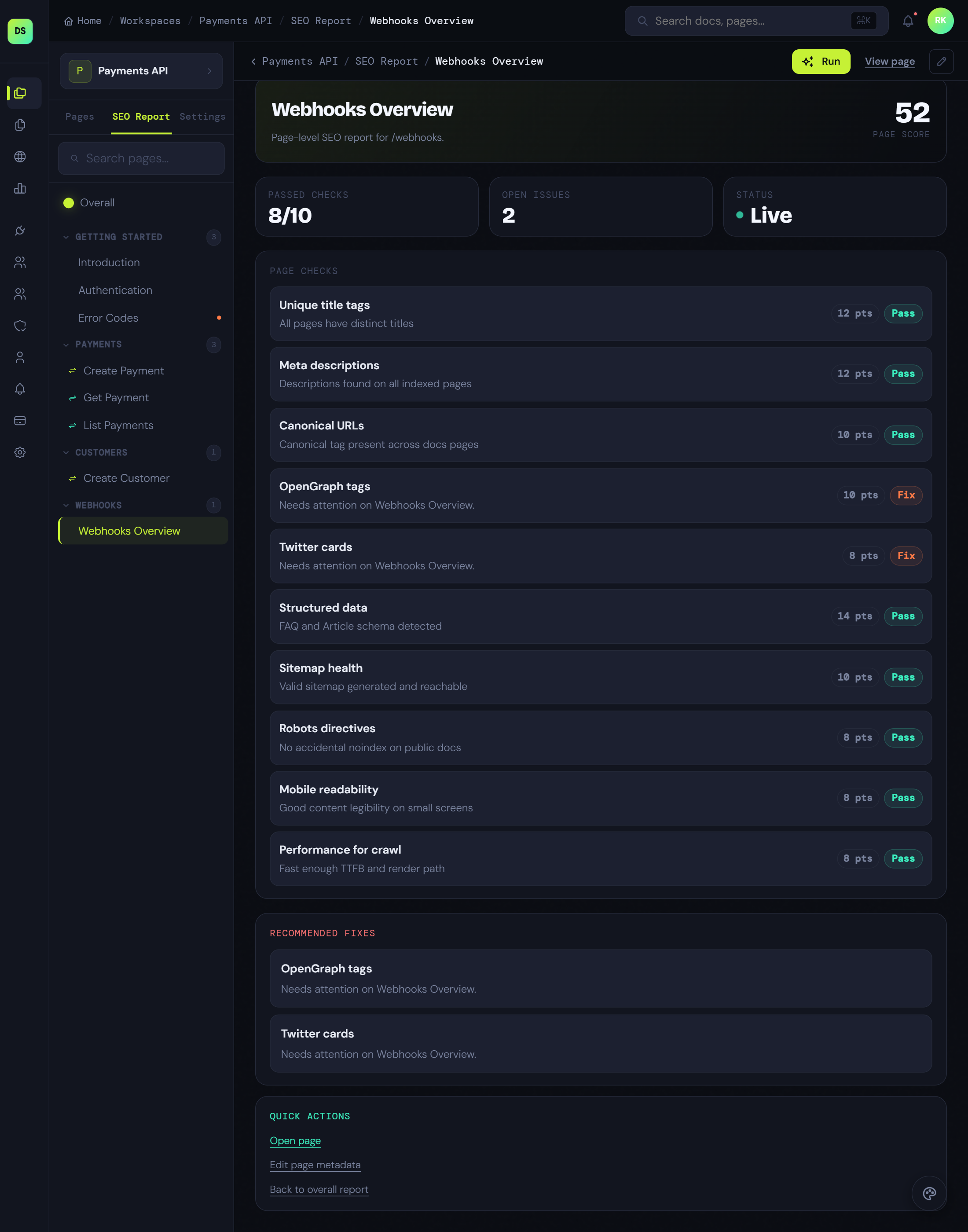
The core feature set behind the platform.
Workspace-based docs sites
Run separate docs surfaces for products, APIs, SDKs, and internal teams with clearer ownership.
Flexible page types
Support reference pages, guides, changelogs, FAQs, runbooks, onboarding docs, ADRs, and more.
AI-assisted writing
Use AI to draft, rewrite, expand, explain, and improve technical documentation faster.
Publishing and branding
Create a cleaner developer portal with better structure, navigation, and publishing control.
Environments and variables
Give technical docs runtime context with delivery settings, variables, and environment-aware structure.
Want the full feature set?
See how DocNova handles AI workflows, publishing control, search, governance, analytics, and docs operations at scale.
Create your account →Roles, localization, and governance
Manage contributors, languages, and documentation ownership from one system as the team grows.
Git-based source sync
Pull in structured docs changes from repositories and keep documentation closer to product truth.
Search and navigation systems
Help readers find endpoints, guides, updates, and onboarding content faster across larger docs estates.
Reusable snippets and content blocks
Reuse shared instructions, warnings, code examples, and standards across multiple docs surfaces.
Review workflows and approvals
Support cleaner collaboration with draft review, content signoff, and controlled publishing flow.
Changelogs and release updates
Keep release notes, launch changes, and product updates inside the same documentation system.
Analytics and content health
Review usage signals, identify weak pages, and improve documentation quality after publish.
Audit trails and version history
Track what changed, who updated it, and how documentation evolved across review and publishing cycles.
API schemas and code examples
Keep structured schemas, examples, and implementation notes closer to the docs readers actually use.
Enterprise-grade control over every docs surface.
DocNova gives operations and documentation leaders full control over branding, governance, localization, and publication settings across all workspaces.
Standardized Branding and Typography
Maintain consistent brand authority across internal and external documentation. Control global typography, color systems, and navigation patterns across your entire portal estate.
- Centralized branding for 100+ workspaces
- Custom typography & theme overrides
- Branded headers and custom domains
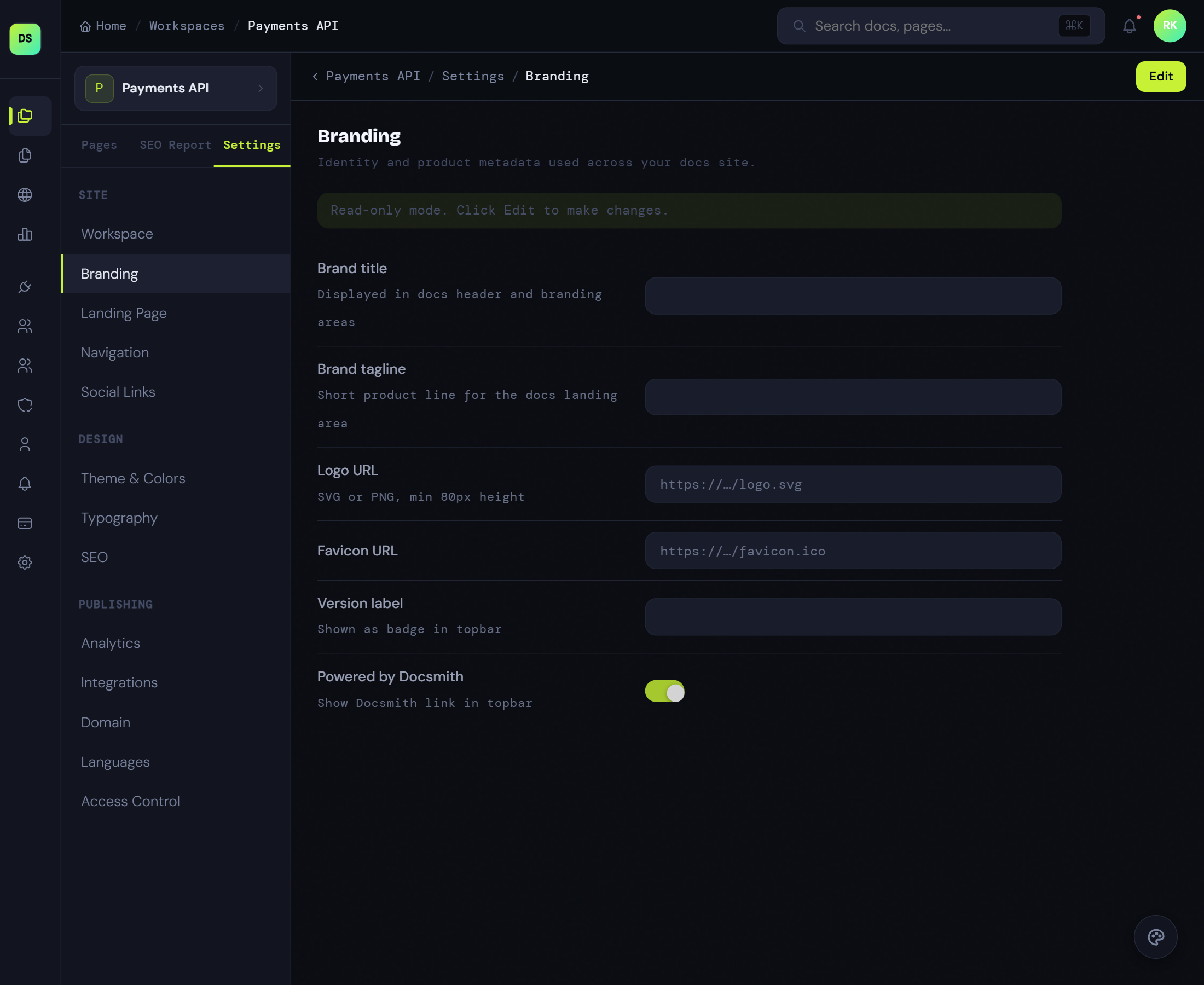
Enterprise Roles and Access Control
Scale your technical writing team without risking the pipeline. Manage fine-grained permissions, contributor roles, and publishing authority inside one unified governance system.
- Fine-grained RBAC for teams
- Multi-workspace ownership rules
- Publishing audit trails and history
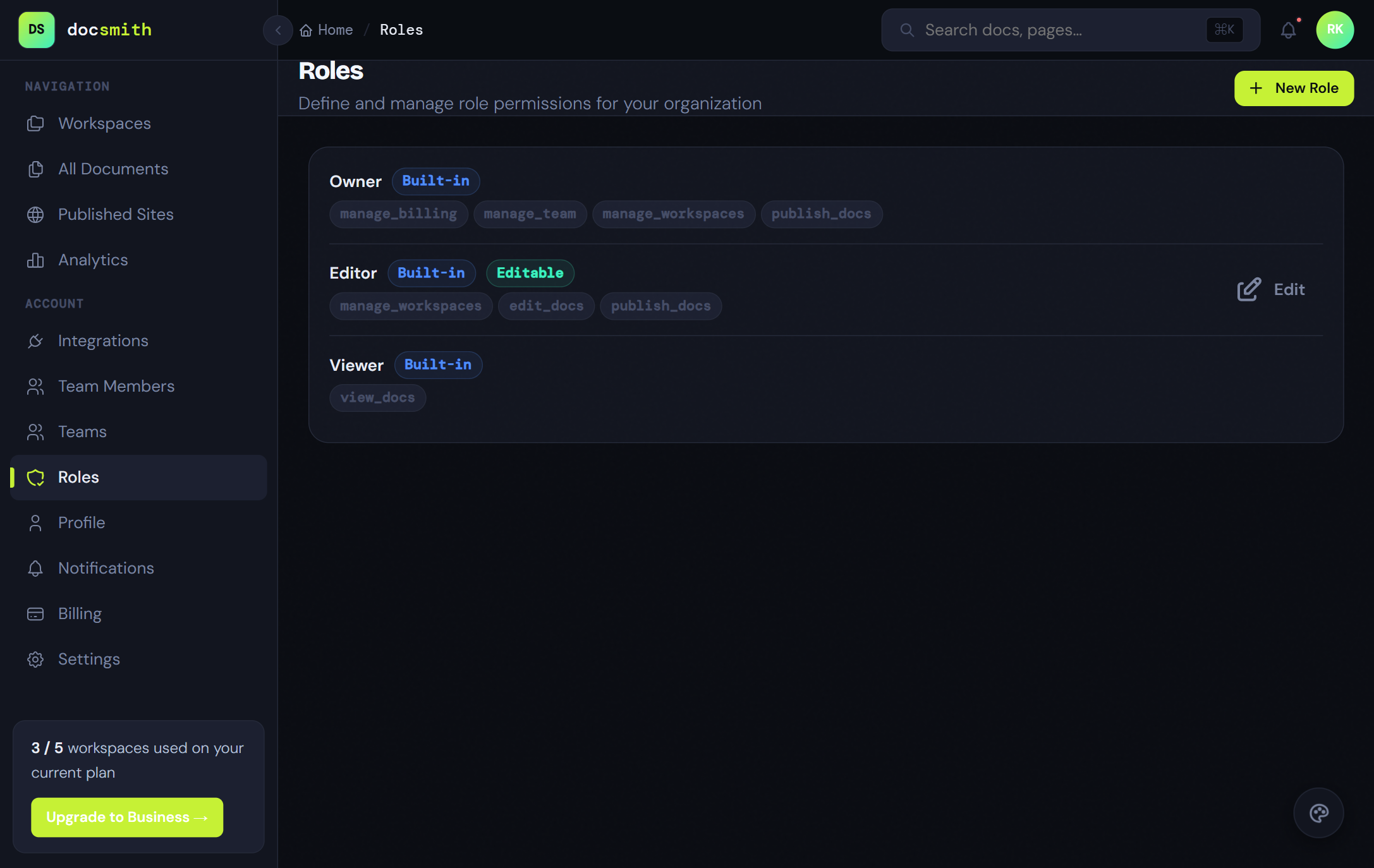
Global Workspace Settings
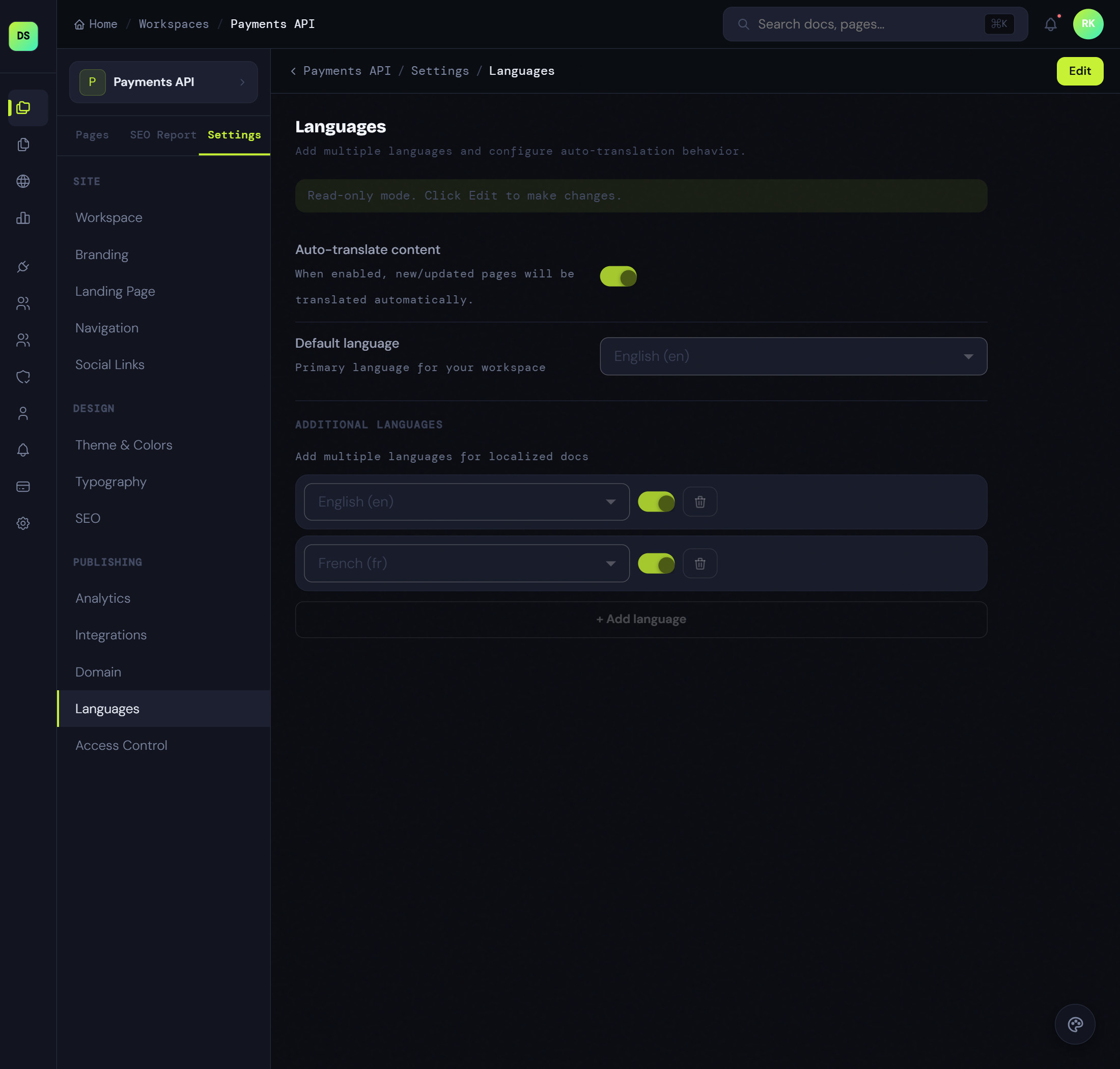
Manage metadata, custom domains, navigation, and search visibility from one admin layer across every docs workspace. Keep platform-wide settings organized without losing workspace-specific flexibility.
- Centralized control for metadata, domains, and indexation
- Workspace-aware navigation and site configuration
- Faster rollout of shared portal standards across teams
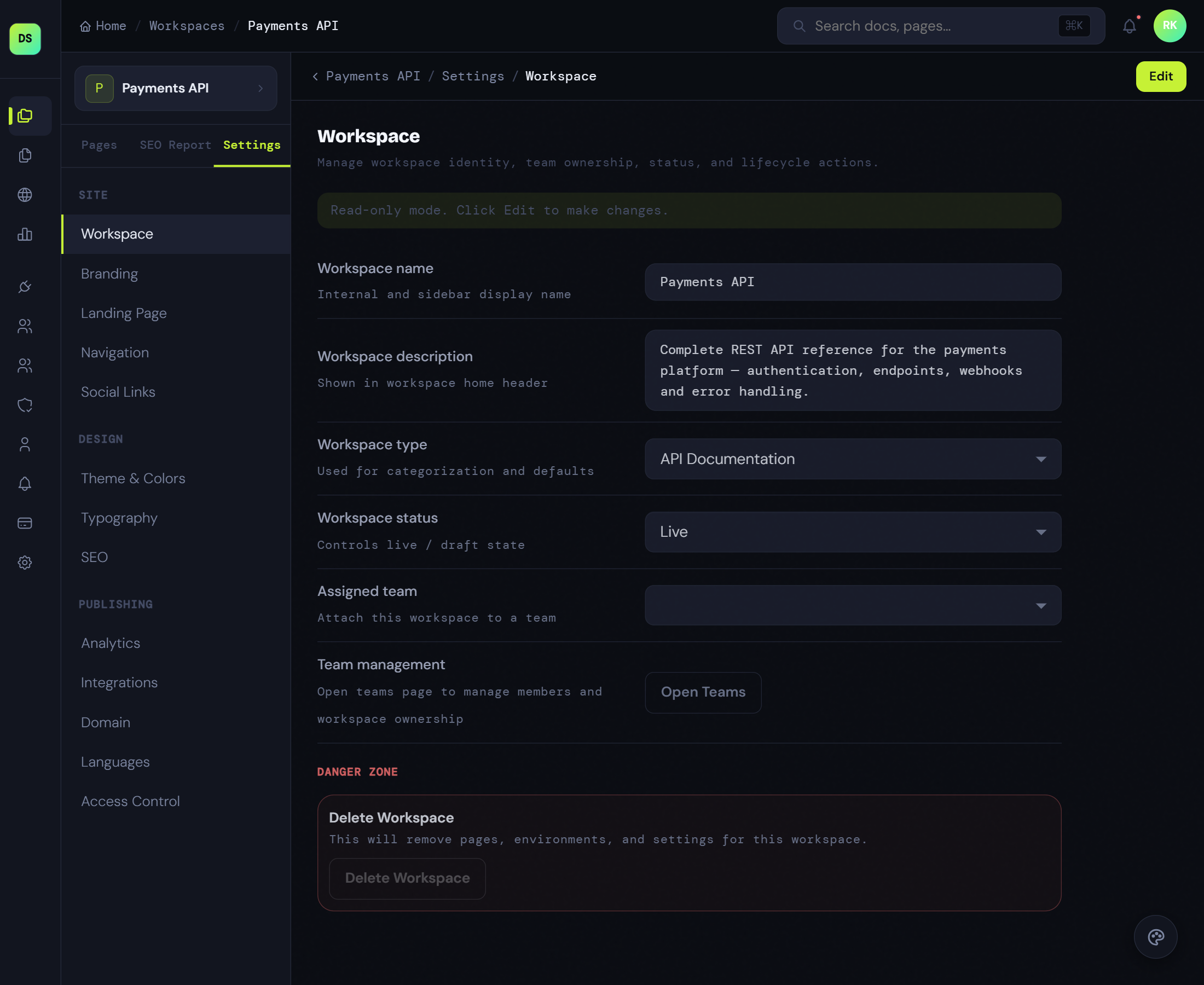
Analytics & Monitoring
Connect analytics providers, monitor reader behavior, and review documentation performance from a single control surface. Give operations and content teams better visibility into what readers use and where docs need attention.
- Connect Google Analytics, Segment, and tracking tools centrally
- Compare engagement patterns across multiple docs surfaces
- Turn usage signals into clearer content improvement priorities
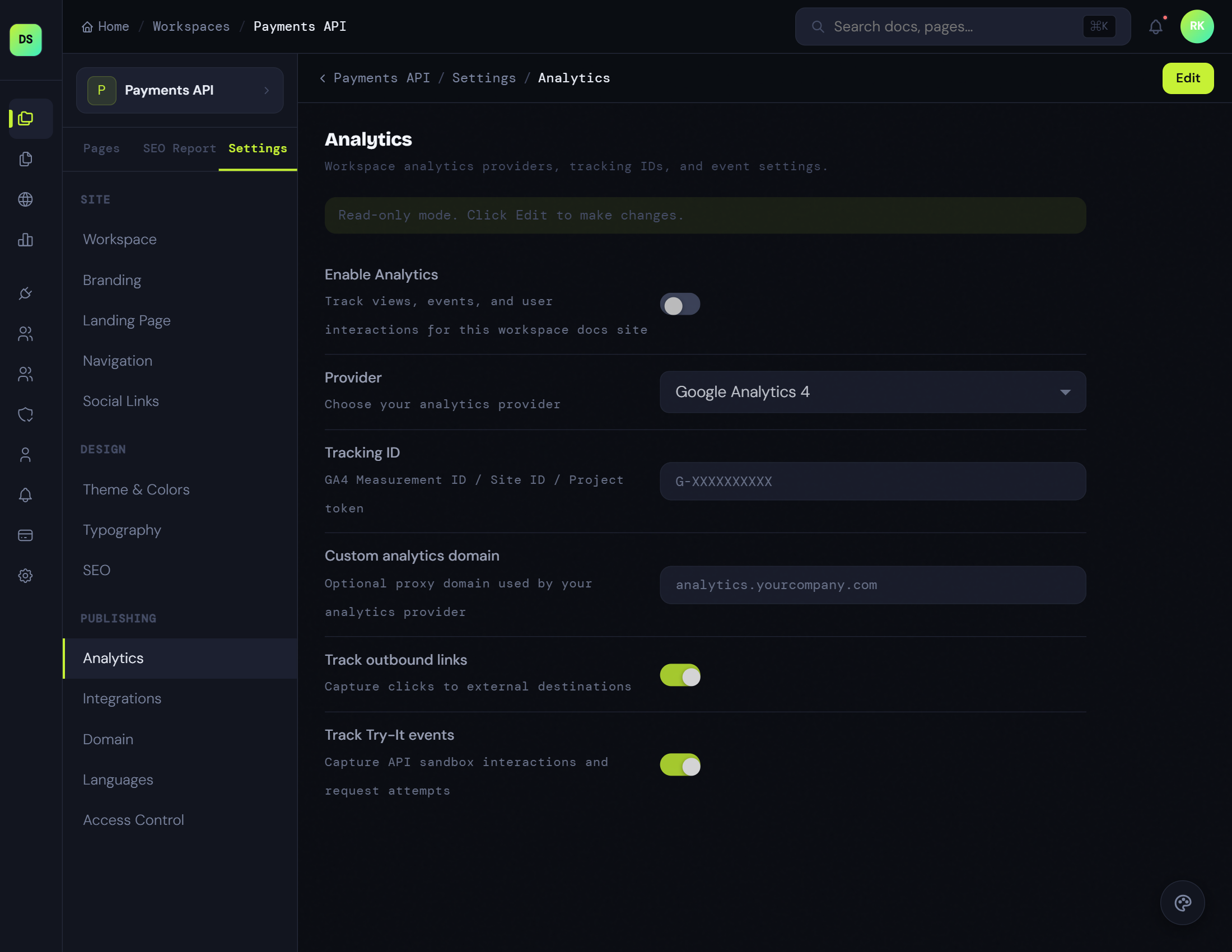
Localization Suite
Coordinate translations, localized page variants, and rollout states as a platform capability instead of a manual publishing chore. Support global docs programs while keeping structure and governance aligned.
- Manage multiple languages from the same workspace system
- Keep localized pages aligned with shared content structure
- Treat translation workflows as a governed operational control
Turn your next API release into a live developer portal before docs debt builds again.
Import your source docs, generate the first structured draft with AI, and publish a cleaner developer experience while the release is still moving.